Your optimization preferences tell Routific how to build your routes: how to split the work, how strict to be with your limits, and which roads to avoid. They apply to every route in your workspace.
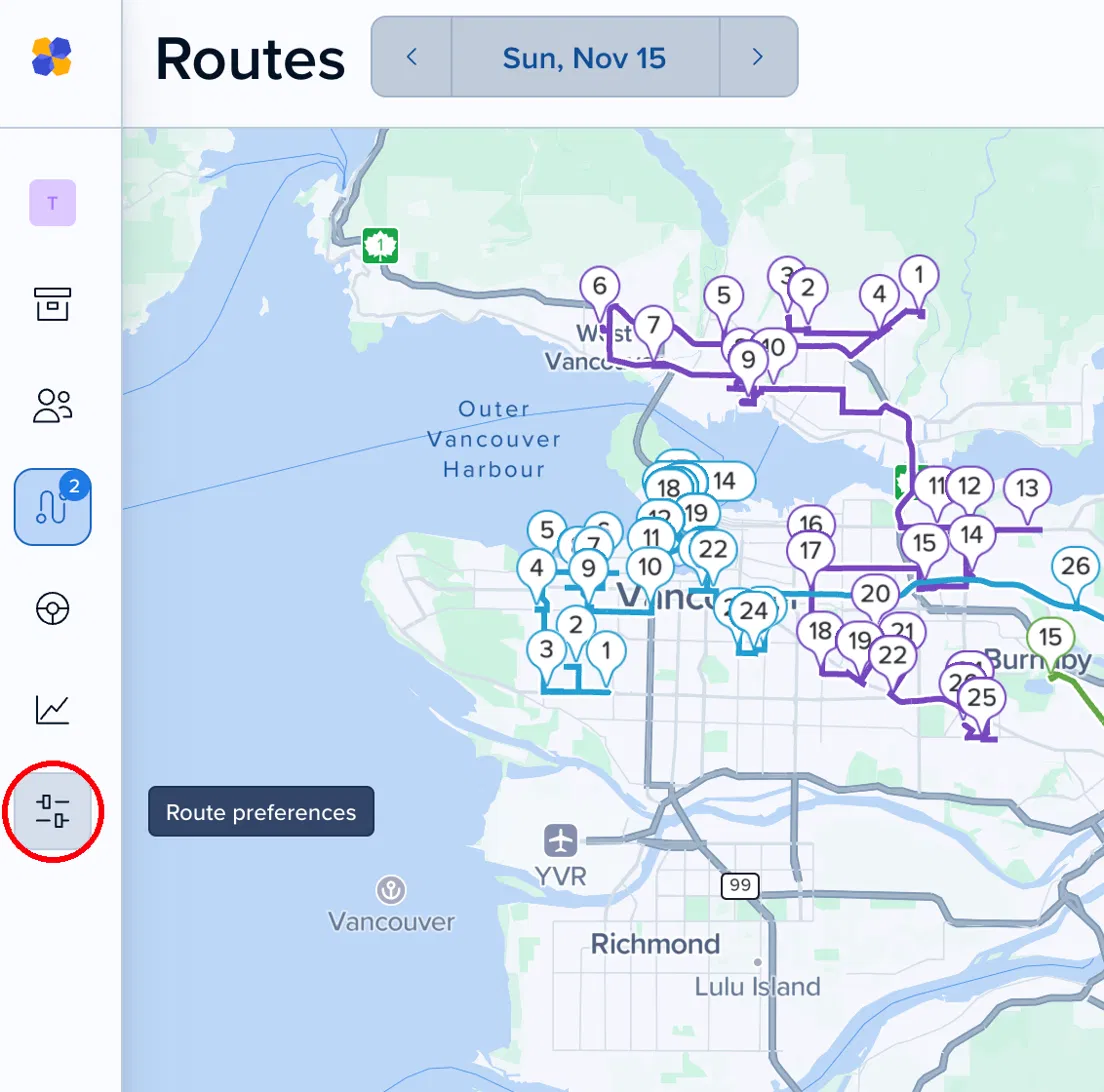
Click the Route preferences icon (the sliders) in the left-hand navigation.
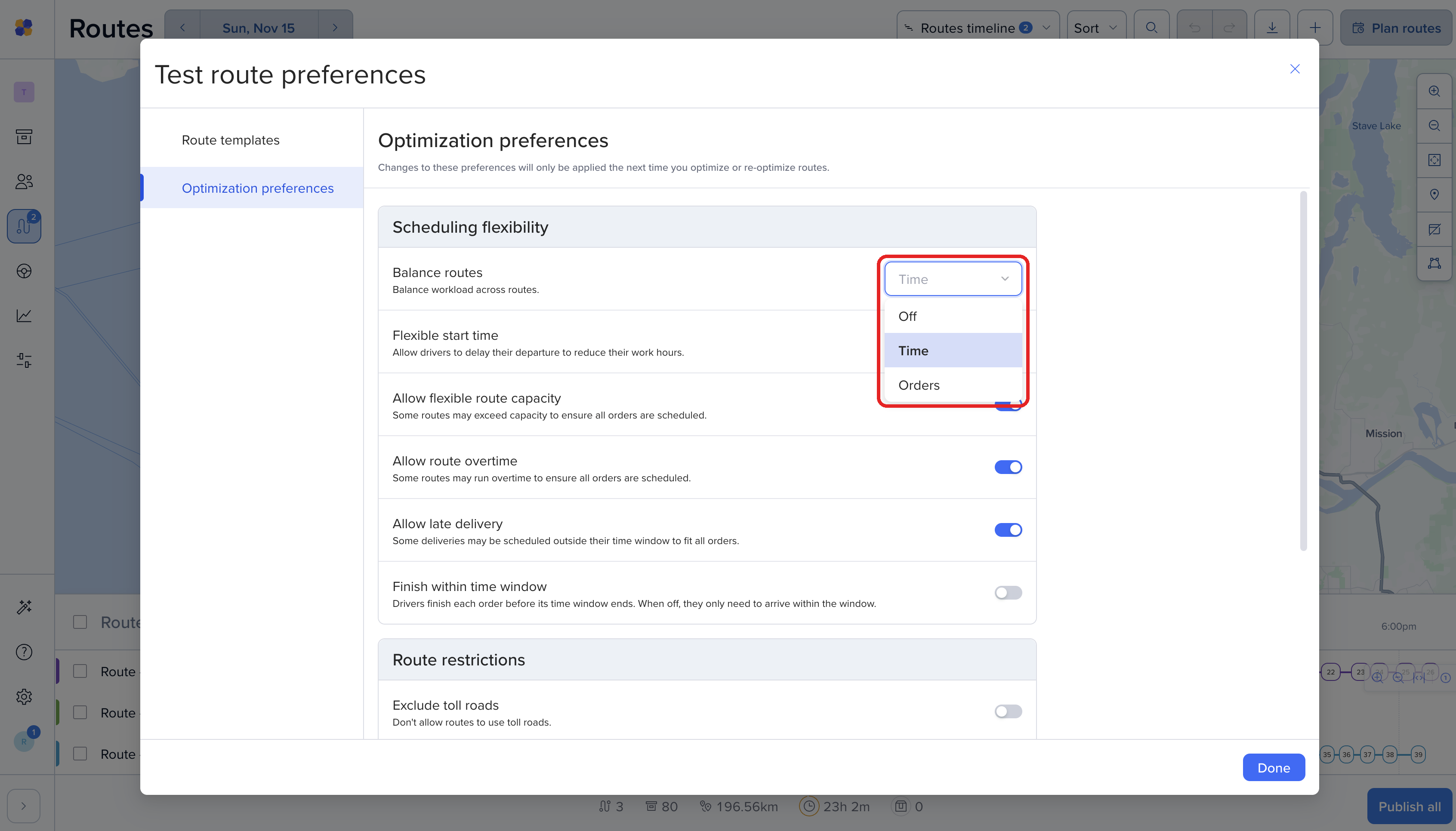
Then choose Optimization preferences. Changes apply the next time you optimize or re-optimize, so routes you've already scheduled won't change on their own. Click Done when you're finished.
Choose how Routific shares the work between your drivers:
Off: the most efficient routes overall. Some drivers may end up with more work than others, and you'll use as few routes as possible.
Time: each driver spends about the same amount of time on the road. Good if you pay drivers by the hour, or some orders take much longer than others.
Orders: each route gets about the same number of orders. Good if you pay drivers per delivery.
Flexible start time
On: drivers leave only when they need to, so they don't sit waiting for a time window to open. Off: drivers leave as soon as their shift starts. How flexible start times work
Allow flexible route capacity
On: routes can go over their capacity so every order gets scheduled. Off: Routific sticks to the capacity in your route templates, and orders that don't fit stay unscheduled.
Allow route overtime
On: routes can run past the end of the shift so every order gets scheduled. Off: Routific sticks to your shift times, and orders that don't fit stay unscheduled.
Allow late delivery
On: some orders can be delivered outside their time window so every order gets scheduled. Off: time windows are strict, and orders that can't make theirs stay unscheduled.
Finish within time window
On: drivers must finish each stop before its time window ends. Off: they only need to arrive within the window.

Exclude toll roads
On: routes avoid toll roads.
Exclude ferry routes
On: routes avoid ferries.

Default order duration (minutes)
How long a driver spends at each stop, unless the order has its own duration. The default is 10 minutes. To set durations order by order, add a Duration column to your spreadsheet.
Predicted traffic (experimental)
Uses historic traffic data to estimate travel times by time of day and day of week, and steers routes away from busy areas where it can. We're testing it with a small group of customers.