Adding an order to a published route is an easy as pie! Simply add the order or orders you need, and press publish again! Let’s walk though all the the steps below.
There are many ways to add an order or many orders, you can add it manually, with a spreadsheet, or from your saved customers. This is the same process as when you first added your orders. You can see all the details of this in our How to add orders article below:
How to add orders
Upload a spreadsheet into your Routific Workspace, or add orders one by one
Now, your order or orders can be seen on the map and in the left hand unscheduled orders panel.
Once you have your orders in Routific as unscheduled, there are two ways to schedule orders to already published routes:
Drag and drop
Use the scheduling flow
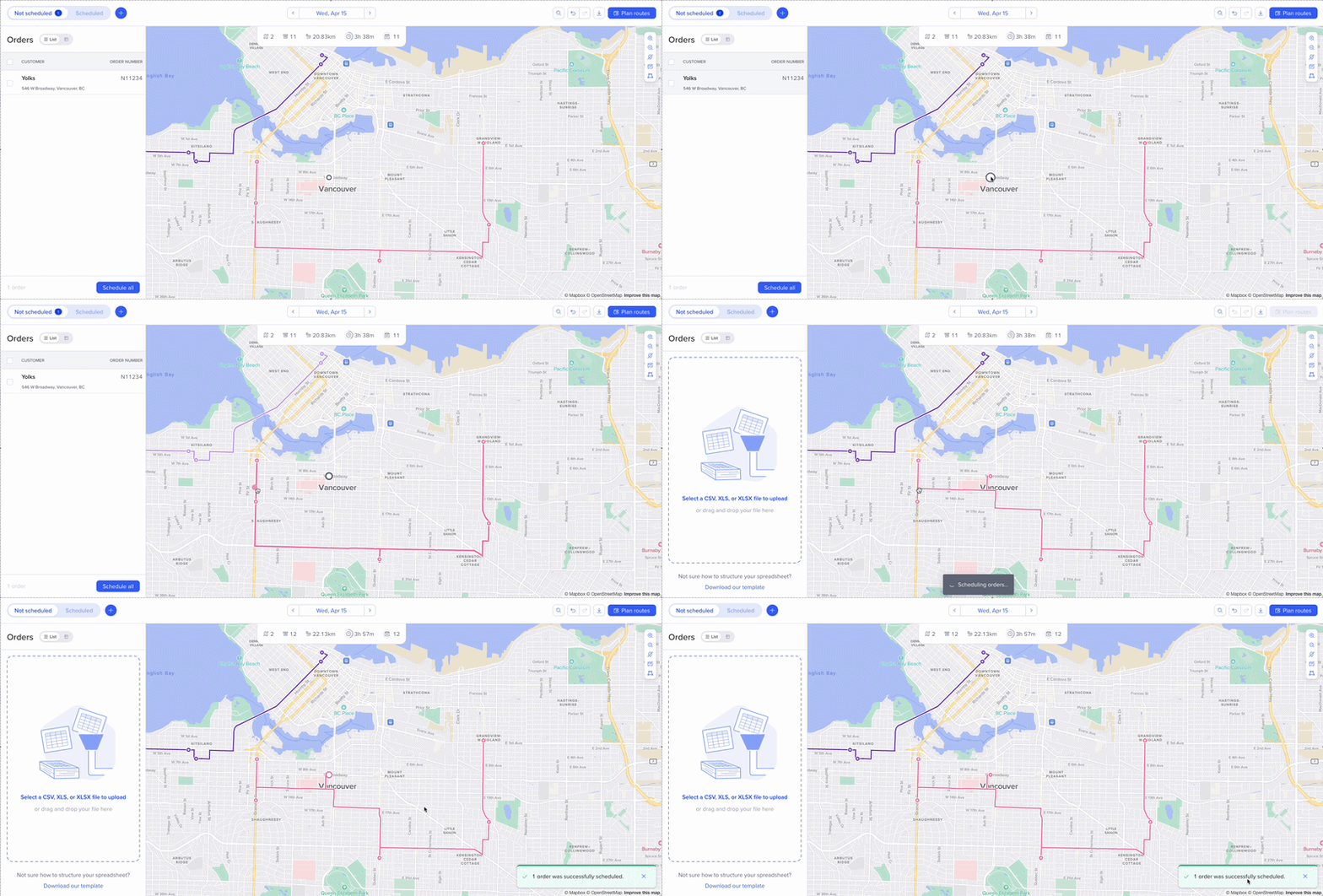
Click on the order pin on the map, and drag it to the route you want to add it to. It will automatically be placed in the best spot for it in that route without re-optimizing.
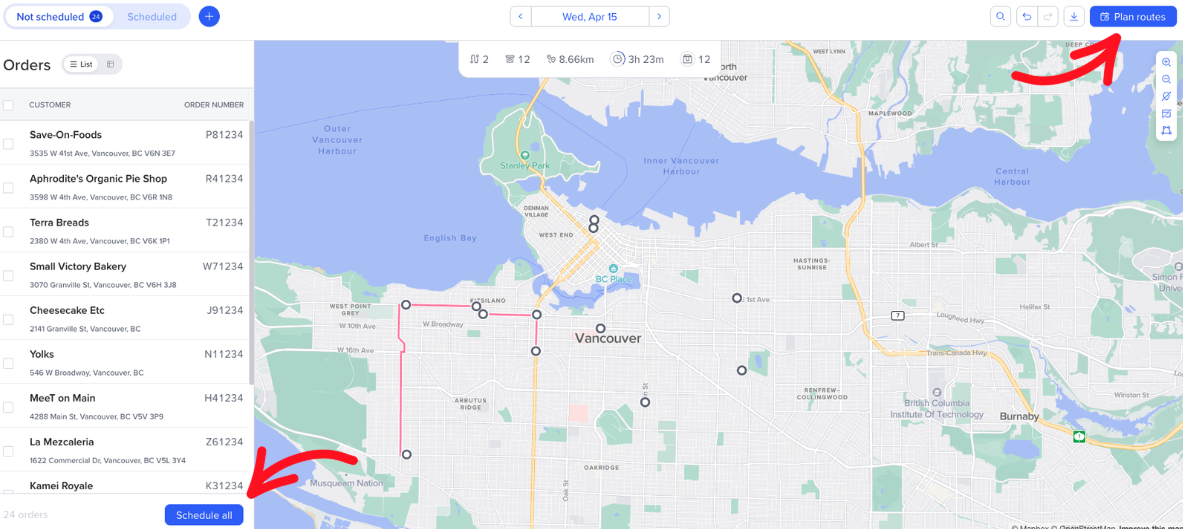
Click Plan Routes at the top right-hand corner, or Schedule All at the bottom of the order list.
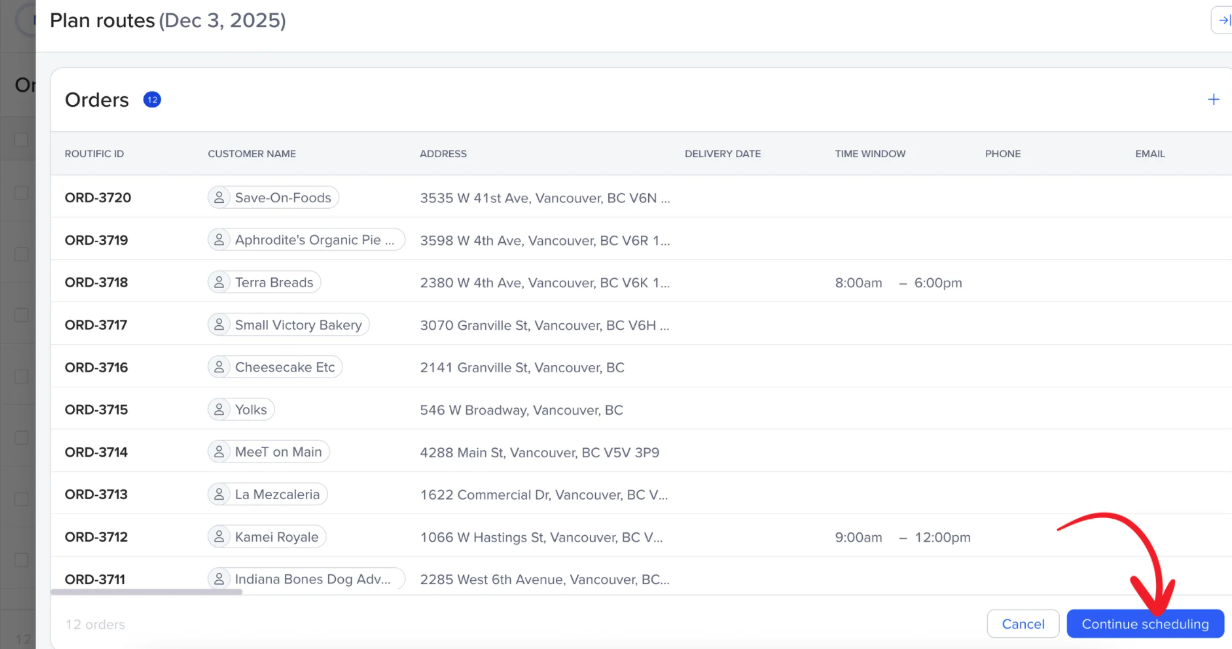
If your orders look correct, click Continue scheduling in the bottom right corner.
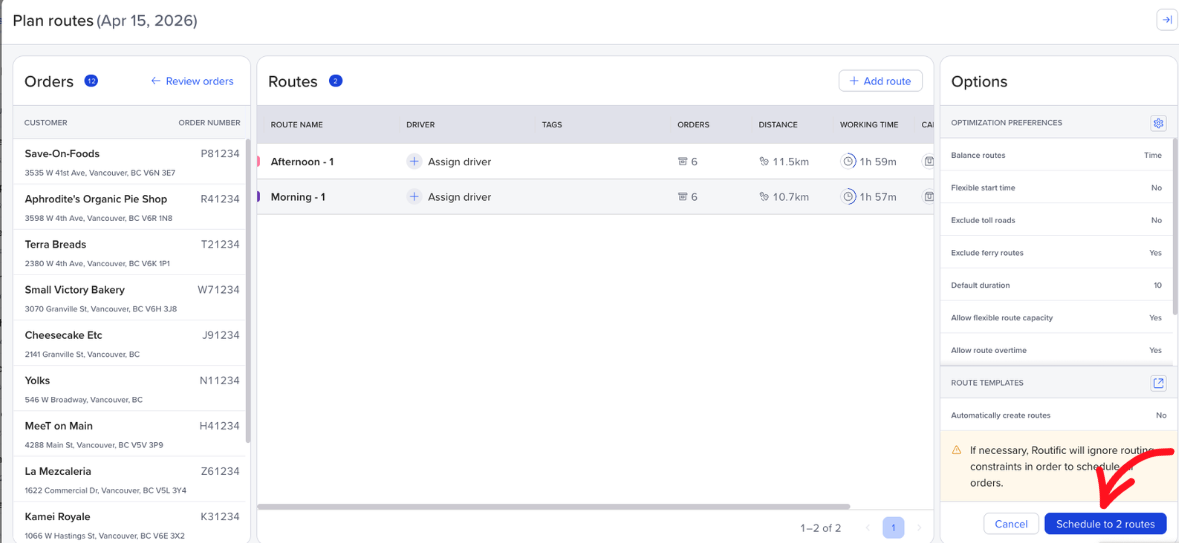
You will see your existing routes and can now click the Schedule to routes button in the bottom right corner.
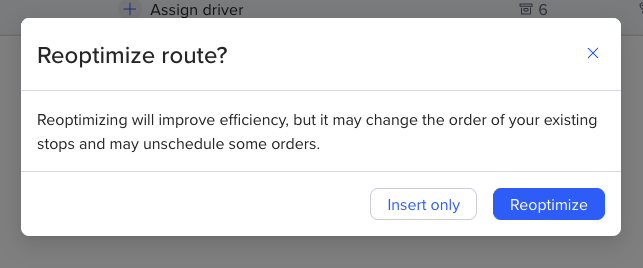
You will get a pop-up asking if you want to Insert only, or re-optimize the routes. What is the difference?
Insert only will add your new stops to the existing routes in the best possible place without moving any stops you may have manually made change to earlier.
Re-optimizing will shuffle around all of the stops again, to be the most efficient, disregarding any past changes made to the routes.
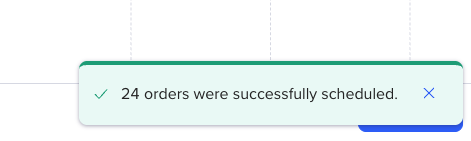
Then your stops will be added based on the option chosen:
Once you have added your new orders to your routes, simply click Publish all in the bottom right of the timeline, or Publish in the bottom right corner of the route selected.
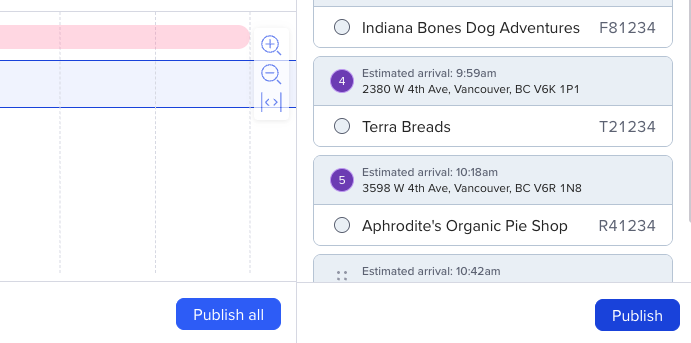
This will push all your changes out to the driver automatically! They will not be notified of any changes, they will simply have updated routes on their end in the Routific mobile app for drivers.