If your routes follow a consistent pattern — same drivers, same structure — you don't need to rebuild from scratch every time. Reuse day lets you copy a past day's route shells into your current planning day in one step.
Only the route setup is copied: driver assignments and route configuration. Orders are never included.
Reuse day is helpful when:
Your driver roster is the same day to day or week to week
You have a recurring route structure (e.g., same zones, same vehicle assignments)
You're planning a new day and want a head start without re-entering routes manually
Upload your orders
Click Schedule all
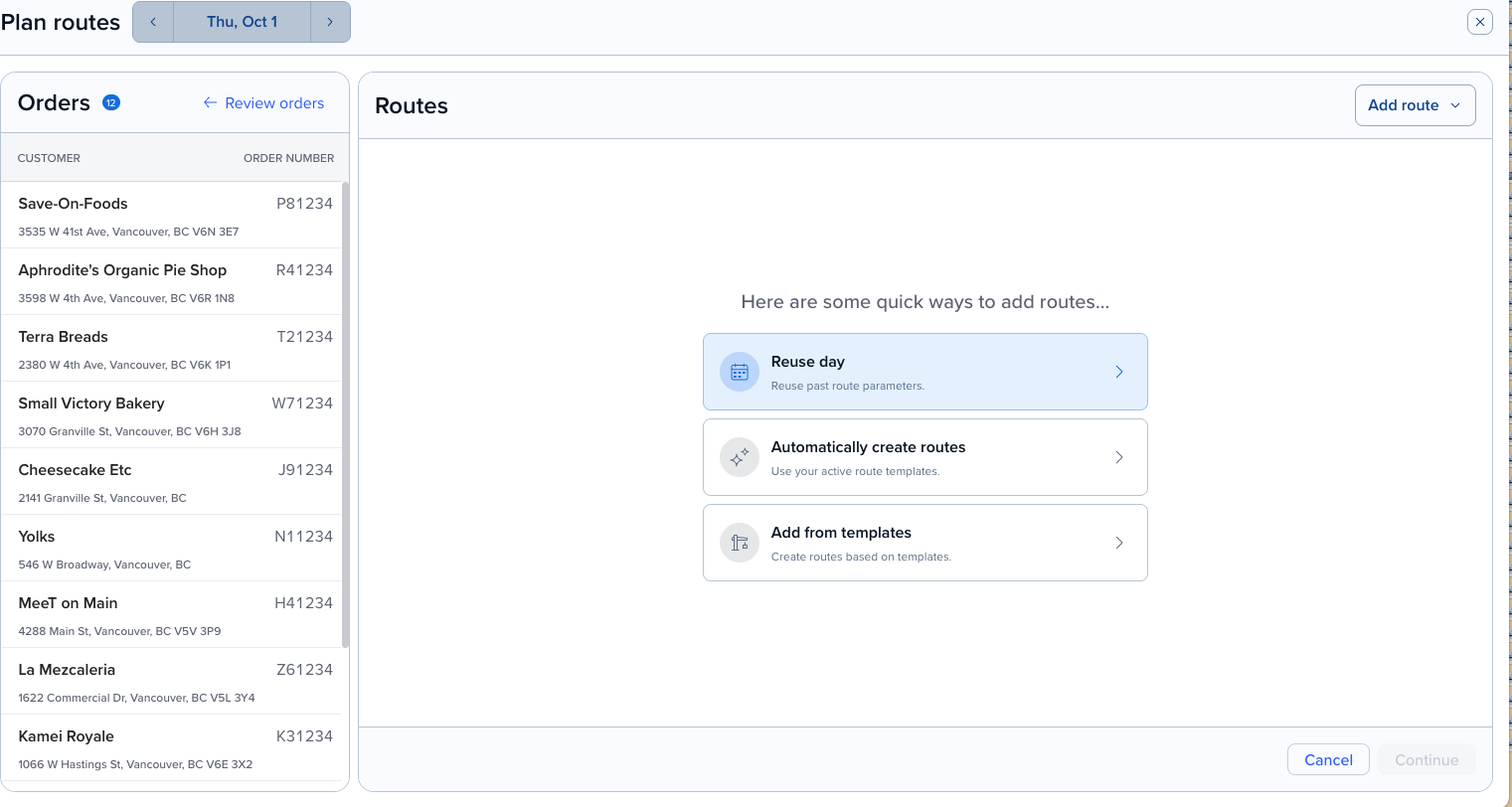
You’ll have a choice to use Automatically create routes, add from Route templates or Reuse day. Choose Reuse day.
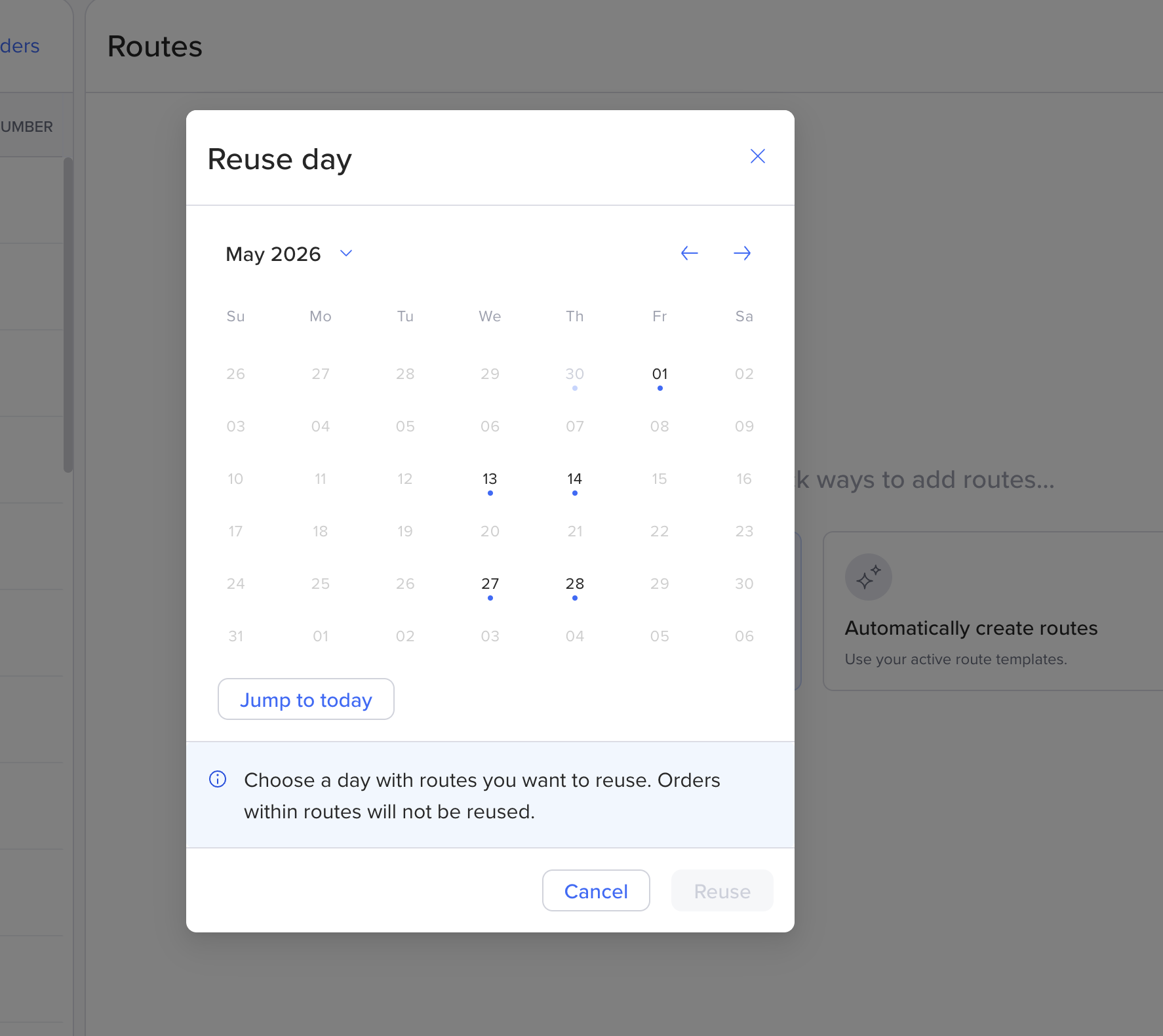
Choose a past date from the calendar. Only dates that already have routes are selectable. Click Reuse.
Review the Plan routes page — you'll see which routes routes you’ll be using.
Click Schedule routes in the bottom-right
Your routes will be created with the same driver assignments and configuration as the selected day. No orders are carried over.
Copied | Not copied |
Route names | Orders / stops |
Driver assignments | Time windows |
Route configuration (vehicle, shift times, etc.) | Notes |
Can I reuse a setup from any past date? Yes, as long as that date has at least one route. Days with no routes are greyed out in the calendar.
Will my orders be copied too? No. Only the route structure is copied. You'll need to add or import orders separately.
Can I edit the routes after reusing? Yes. The copied routes are fully editable — you can add drivers, remove routes, or adjust configuration before optimizing.
What if I already have routes on the day I'm planning? Reuse day adds routes on top of any routes already on that day. It does not replace existing routes.
Need help setting up routes from scratch? See Creating routes.