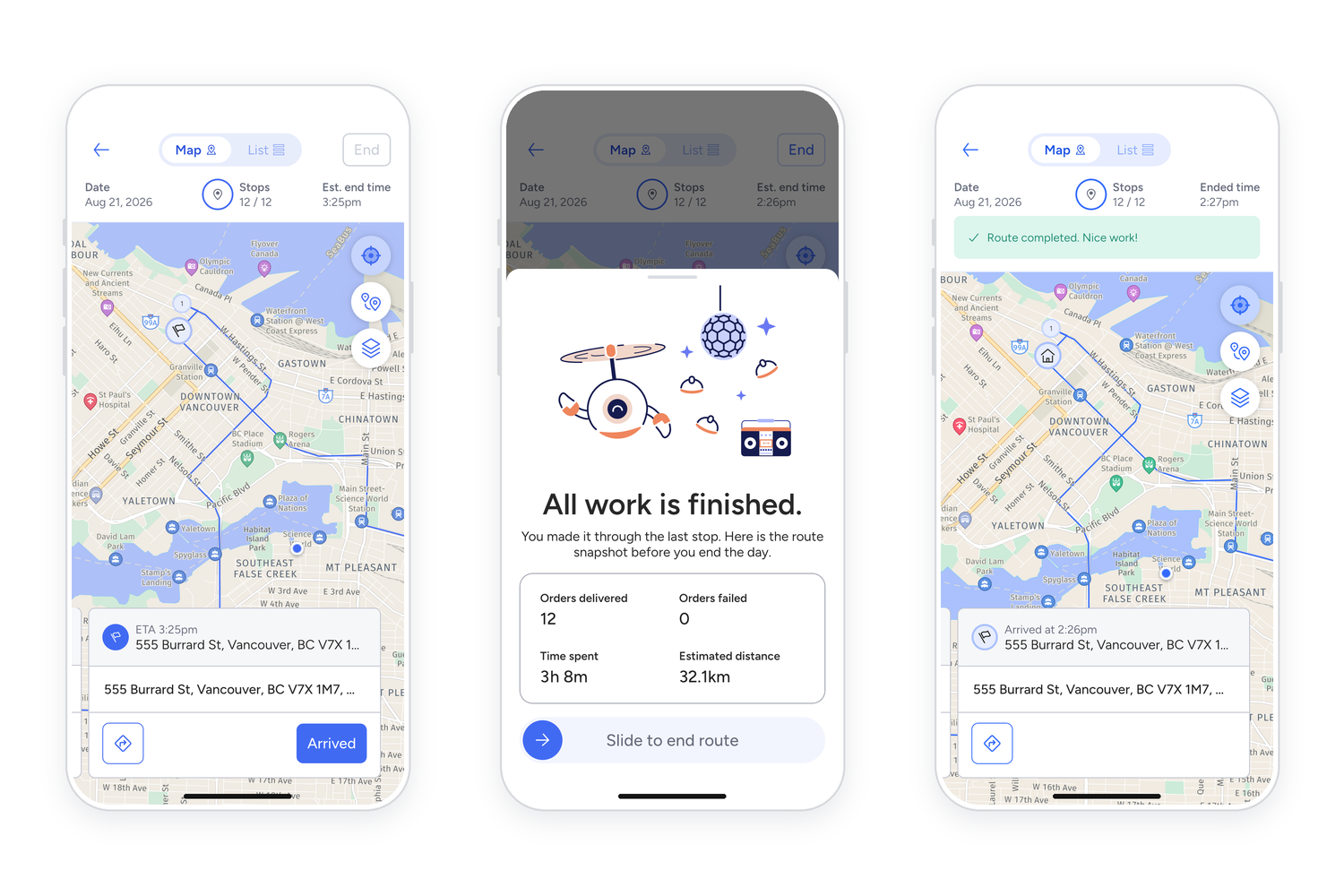
After the last delivery, the app shows drivers their final destination. This is often the depot, warehouse or shop where they started, but not always.
Drive to the final destination and tap Arrived.
Slide to end route. Drivers will see an “All work is finished” screen with a summary of their day. Sliding to end the route marks it complete in the driver app and for dispatchers.
Look for the green confirmation. “Route completed. Nice work!” means they’re done.
If a driver skips Arrived, the route stays in their Incomplete tab and shows as unfinished to dispatchers. To fix it, they can open the route, tap Arrived, then slide to end it. If the summary screen doesn’t come back up, they can tap End in the top right instead.