Copying a route or multiple routes in Routific from one day to another is easy.
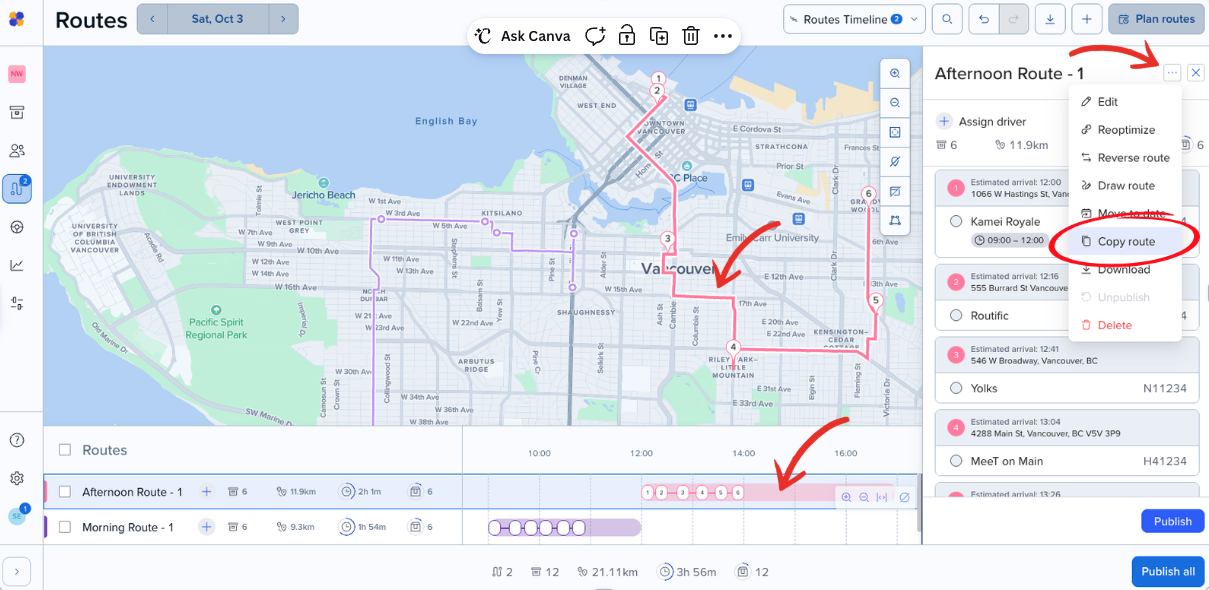
Select the route you want to copy either in the map or the timeline.
Click on the three dots on the upper-right corner.
Select Copy route.
What if I want to copy multiple routes at once?
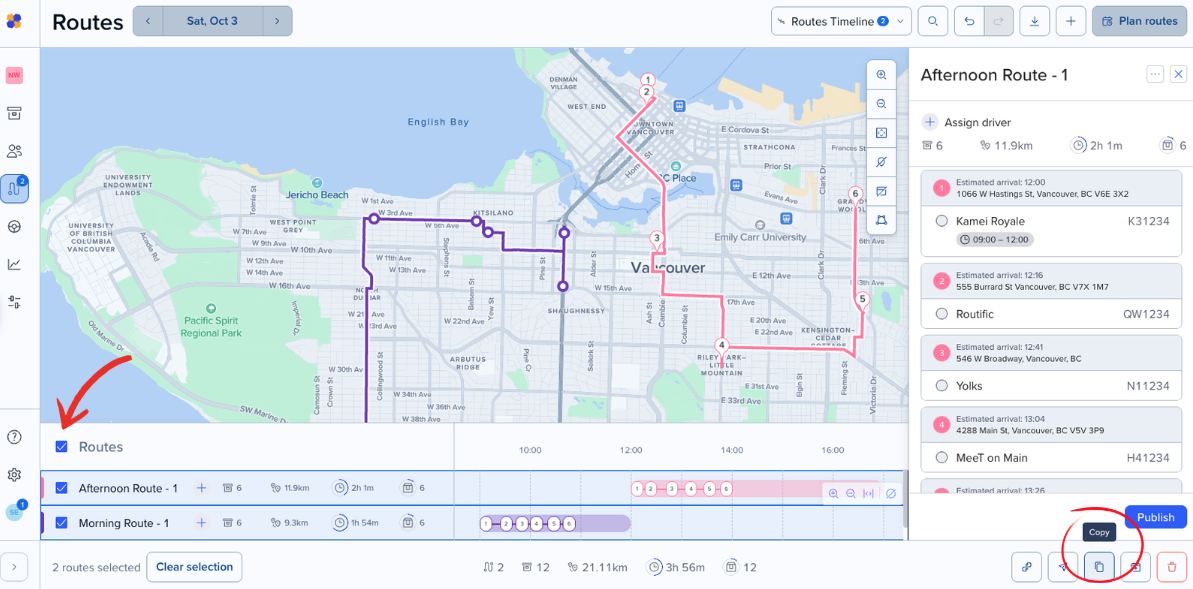
Click the check box beside the routes you want to copy OR click the check box beside Routes to select all routes.
Click Copy route in the right-hand menue at the bottom of your screen.
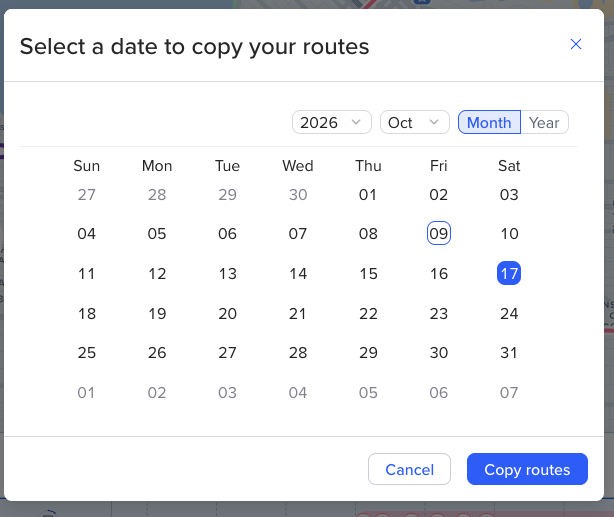
Choose a date you want to copy the routes to.