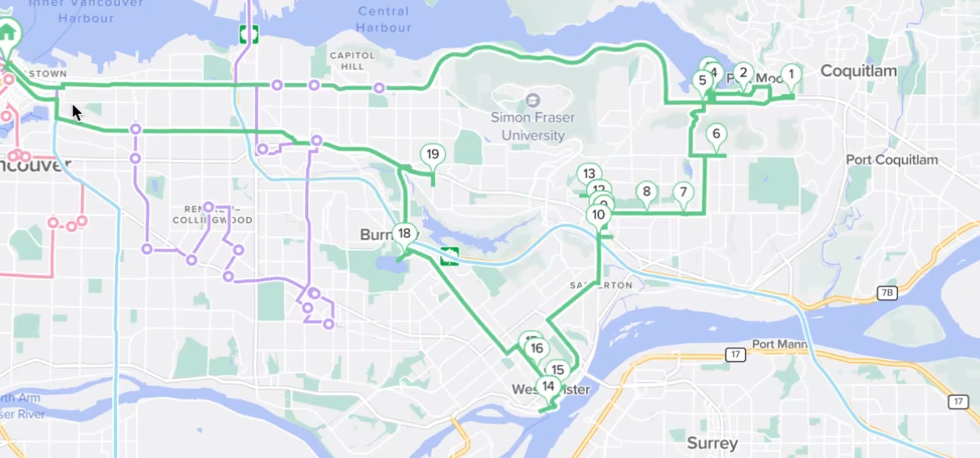
Is the Draw route tool right for you?
Do you spend a lot of time making changes to your routes? Do you have local knowledge of your area or your city’s traffic patterns and want to apply that easily to your route planning?
Some dispatchers have told us they take 30 minutes to an hour making little changes here and there, dragging and dropping and shuffling things around. Now you can make all those changes in just a few seconds by using our new patented feature: Draw route.
How to draw your route
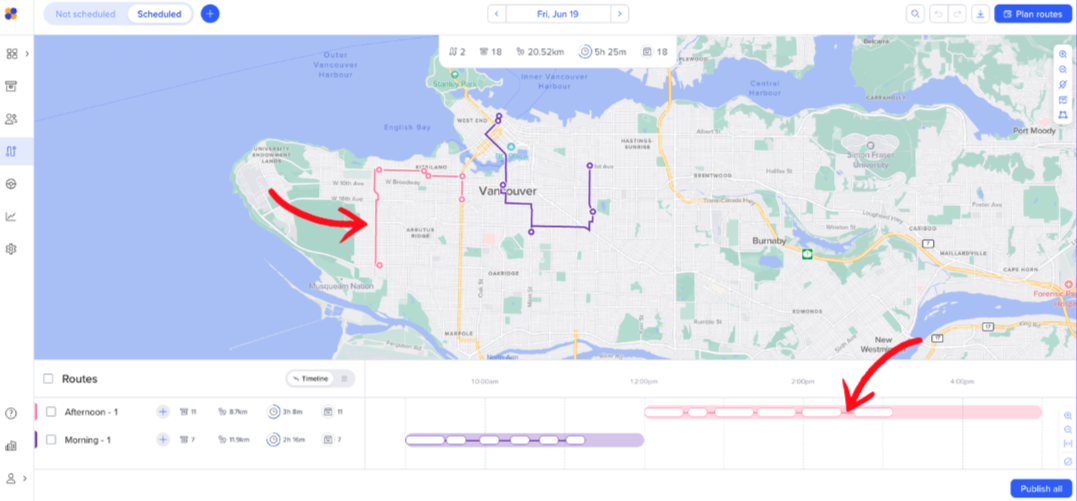
Select the route you want to edit, either on the map or the timeline
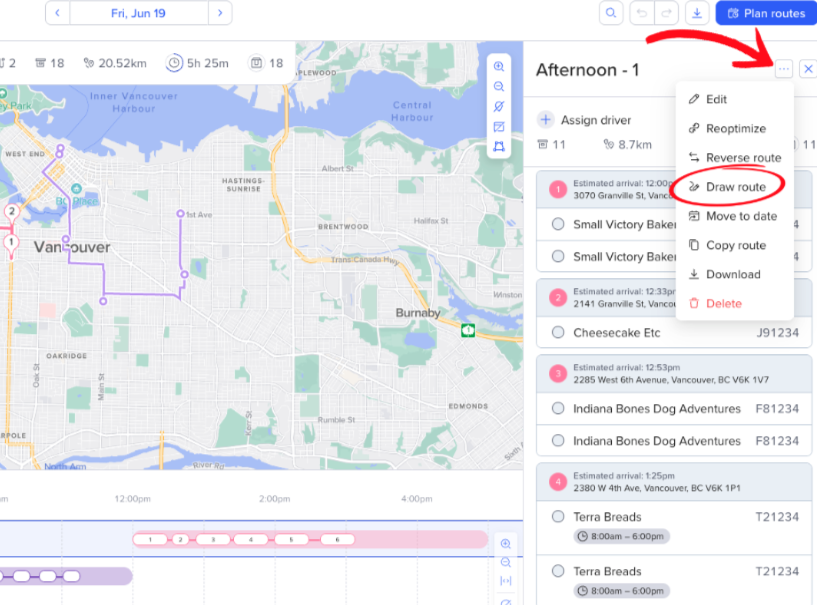
Click the 3 dots icon (…) in the top right corner of the route panel.
Click Draw route.
Navigate to your map.
Click on the map to start your drawing; this is where your route will be directed to start.
Draw lines in the direction you want the route to follow.
Double-click on the last dot to confirm the drawing.
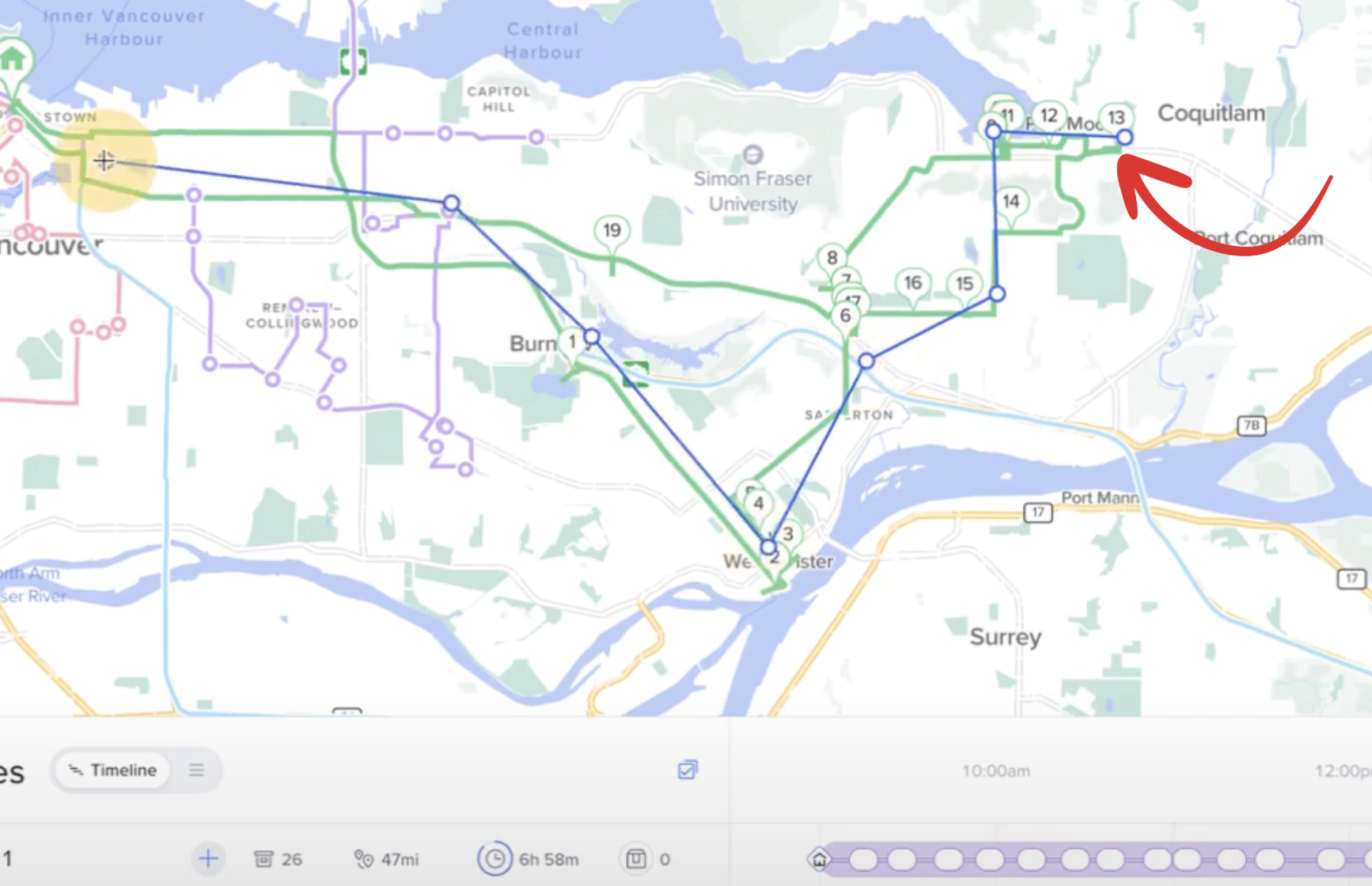
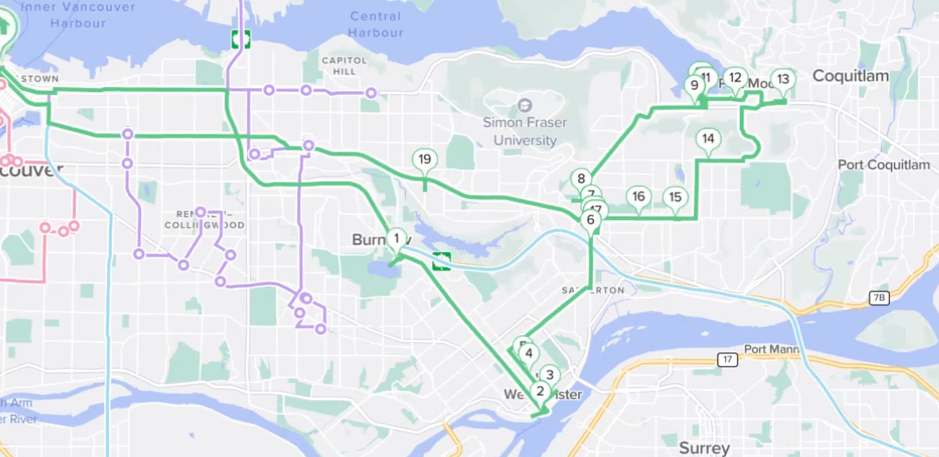
After the double click, your route will be reoptimized in the direction of your drawing: